What is Sentence Case? How to Use It for Better Writing
Admin
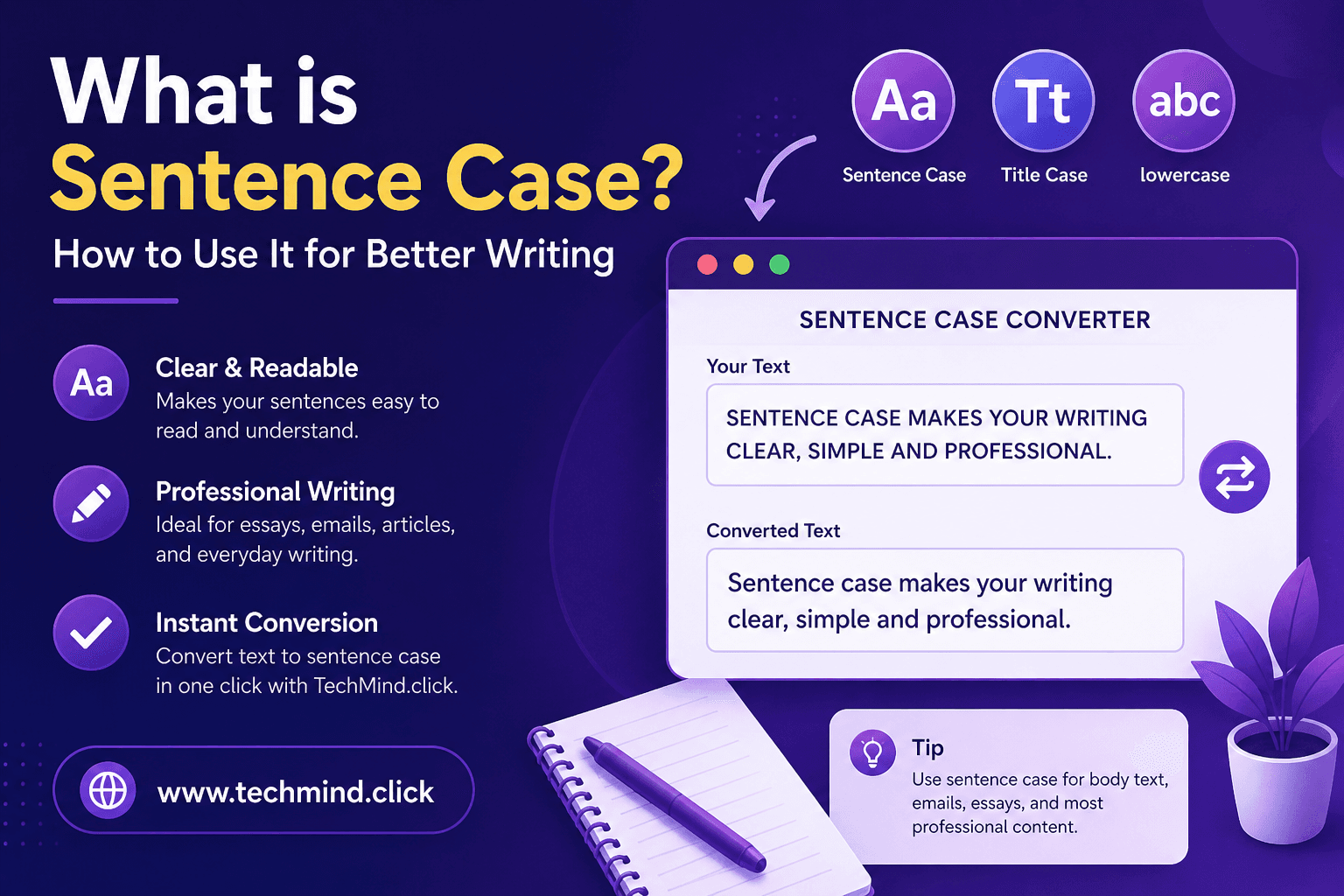
If you have ever stared at a heading and wondered - should the first letter be capitalized? Should every word be capitalized? What is actually correct here? - you are not alone. Text casing is one of those small things that trips up a lot of writers, students, and even experienced content creators.
One of the most commonly confused formats is sentence case. It looks simple, but many people mix it up with title case, proper case, or just plain lowercase. In this guide, we will break it down clearly, show you when to use it, and how to convert any text to sentence case in seconds using TechMind.click.
What Is Sentence Case?
Sentence case is a capitalization style where only the first letter of the first word in a sentence is capitalized - just like how you would write a normal sentence. Proper nouns, such as names of people or places, are also capitalized, but everything else stays in lowercase.
Here is a simple example:
- Sentence case: How to use a text formatter for better writing
- Title case: How To Use A Text Formatter For Better Writing. See title case vs sentence case for a full comparison.
- All caps: HOW TO USE A TEXT FORMATTER FOR BETTER WRITING. Learn about converting text to uppercase.
Sentence case feels natural and easy to read because it matches the way we write everyday text - in emails, messages, articles, and captions.
Sentence Case vs Title Case vs Lowercase - What Is the Difference?
Here is a quick comparison to make it crystal clear:
| Case Type | Example | When It Is Used |
|---|---|---|
| Sentence case | The best writing tools online | Blog posts, emails, UI labels, social captions |
| Title case | The Best Writing Tools Online | Book titles, news headlines, formal headings |
| Lowercase | the best writing tools online | Code, URLs, stylistic choices in design |
| UPPERCASE | THE BEST WRITING TOOLS ONLINE | Warnings, emphasis, abbreviations, CTAs |
| Proper case | The Best Writing Tools Online | Names, titles - similar to title case |
The key thing to remember is that sentence case is the most natural-looking format for body text and everyday writing. Title case looks more formal and is better suited for official titles and headings in certain industries.
When Should You Use Sentence Case?
Sentence case is more versatile than most people realize. Here are the situations where it works best:
Blog posts and articles: Most modern blogs use sentence case for subheadings and body text. It reads smoothly and does not feel stiff or over-formatted. If you are writing an article or a guide, sentence case is almost always the right choice for your H2 and H3 headings.
Emails and professional messages: Subject lines in emails are increasingly written in sentence case rather than title case. It feels more conversational and less like a corporate memo. For example: Quick update on your order feels warmer than Quick Update On Your Order.
Social media captions: On Instagram, Twitter, or LinkedIn, sentence case keeps your captions readable without looking robotic. All-caps or title case in captions can feel forced unless used for specific emphasis.
UI text and app interfaces: Many major tech companies - including Google and Apple - use sentence case for their app buttons, menu items, and labels. It is cleaner and easier to scan on a screen.
Academic writing: In most academic style guides, sentence case is used for article titles and section headings within a paper. APA style, for instance, recommends sentence case for references and headings.
How to Convert Text to Sentence Case Using TechMind.click
If you have a block of text that is currently in all caps, title case, or random mixed casing, fixing it manually takes forever. TechMind.click makes the whole thing instant.
- Go to TechMind.click - The text formatter tool is right on the homepage. No navigation needed.
- Paste your text - Drop in whatever text you need to fix, whether it is a sentence, a heading, or a full paragraph.
- Click Sentence Case - Hit the Sentence Case button and watch your text reformat instantly. The first letter of each sentence is capitalized, and everything else drops to lowercase.
- Copy and use it - Click Copy Text and paste your formatted content wherever you need it.
The whole process takes about five seconds. No account, no payment, no download required.
A Few Things to Keep in Mind
Sentence case is great for most writing situations, but here are a couple of things worth knowing:
- Proper nouns still get capitalized. Names of people, brands, cities, and countries always start with a capital letter, even in sentence case. For example: The best tools for writers in India.
- Consistency matters more than which case you choose. Pick one style and stick to it throughout your document. Mixing sentence case in some headings and title case in others looks unprofessional.
- Context counts. If you are writing a formal legal document or a published book, title case might be expected. For everything else - blogs, emails, apps, social media - sentence case is almost always a safe and clean choice.
Frequently Asked Questions
Is sentence case the same as lowercase?
No, they are different. Lowercase means every single letter is in small form - no capitals at all. Sentence case capitalizes the first letter of the sentence and any proper nouns, while keeping everything else lowercase. So sentence case is closer to normal writing, while lowercase is a specific stylistic choice.
When should I use title case instead of sentence case?
Use title case when you are writing book titles, movie names, formal report headings, or news article headlines - especially in industries where that style is expected. For casual blogs, emails, social media posts, and UI text, sentence case is usually the better and more modern choice.
Can I convert multiple sentences at once using TechMind.click?
Yes. TechMind.click handles large blocks of text without any issue. You can paste an entire paragraph or multiple sentences, click Sentence Case, and the tool will correctly capitalize the first letter of each sentence in one go. It works directly in your browser with no character limit.
Final Thoughts
Sentence case is one of the most practical and readable capitalization styles you can use. It works across blogs, emails, social media, app interfaces, and academic writing. Once you understand when and why to use it, your content will feel more polished and consistent.
And when you need to quickly convert a block of text, there is no faster way than using the free sentence case converter at TechMind.click. Paste, click, copy - done in seconds.