Slug Remover Online - Convert URL Slugs Back to Normal Text Free
Admin
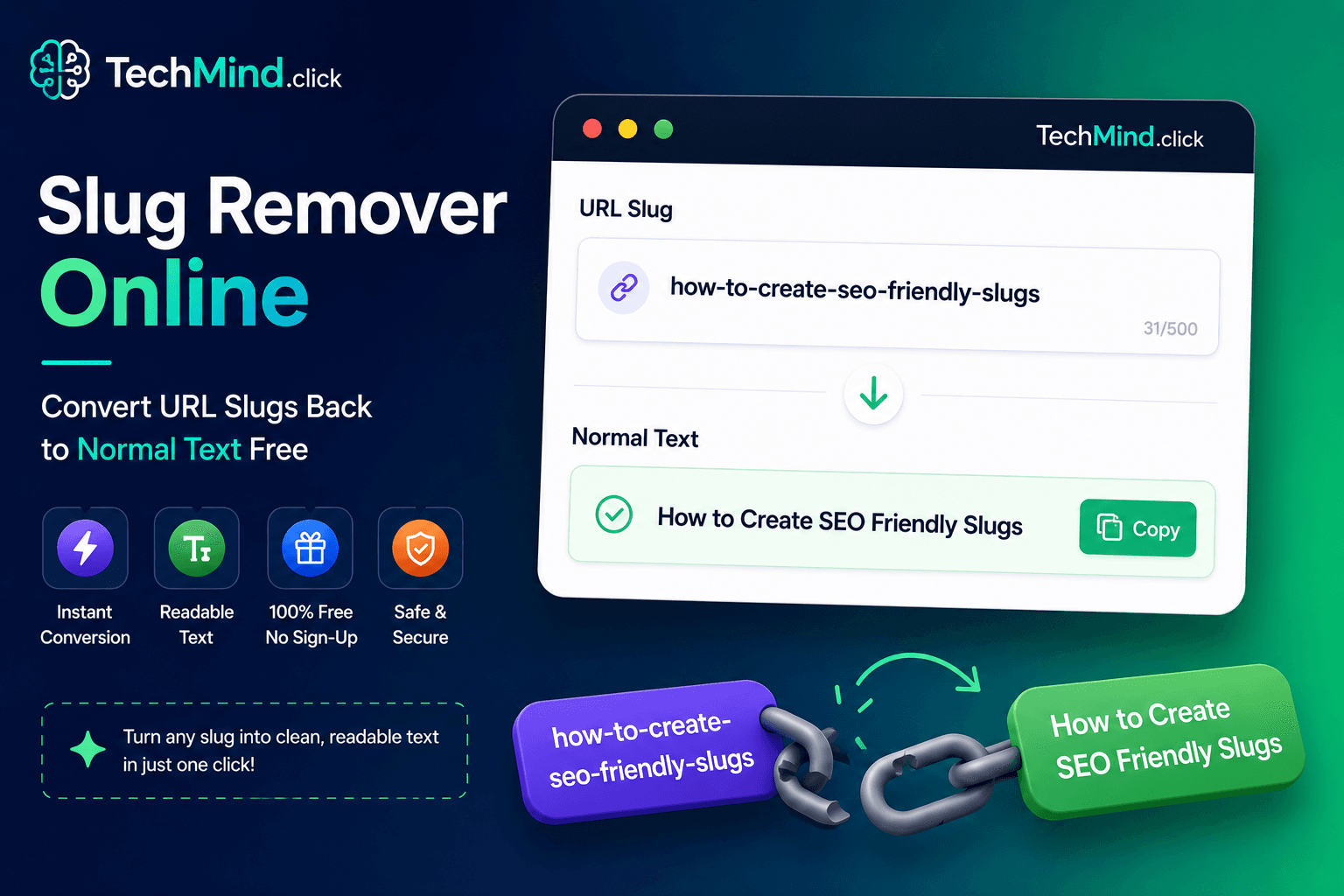
Warren Buffett once observed, "It takes 20 years to build a reputation and five minutes to ruin it." A URL slug takes seconds to generate - but reversing it back to readable text when you need the original title? That should also take seconds. TechMind.click's slug remover converts any URL slug back to normal, readable text instantly - free, no sign-up required.
What Is a Slug Remover?
A slug remover - also called a deslugifier or slug decoder - reverses the slugification process. It takes a URL slug (lowercase, hyphen-separated, no special characters) and converts it back into readable, properly capitalised text.
Example:
- Slug input: how-to-create-seo-friendly-slugs
- Normal text output: How to Create Seo Friendly Slugs
- Or in Sentence case: How to create seo friendly slugs
This is the reverse operation of our URL slug generator. While slugification converts readable titles into URL-safe slugs, the slug remover converts those slugs back into human-readable text.
Why Would You Need to Remove a Slug?
As Maya Angelou wrote, "Words mean more than what is set down on paper." URL slugs strip away the readability of words - a slug remover restores it. Here are the most common real-world scenarios:
Content migration and CMS work: When migrating a blog from one platform to another, you often have a list of URL slugs but need the original page titles. Rather than tracking down each original title manually, pasting the slug into TechMind.click and clicking Remove Slug restores readable text in seconds.
Sitemap and URL audit work: SEO professionals regularly work with lists of URLs and slugs from Google Search Console, Screaming Frog, or Ahrefs. Converting those slugs to readable titles helps quickly understand what content exists without clicking every URL individually.
Database cleanup: When slug-formatted strings are stored in databases and need to be displayed as readable labels in a UI - a deslugify operation converts them to display-ready text.
Breadcrumb generation: Many developers use slug-to-text conversion for generating breadcrumb navigation labels from URL paths. The path /blogs/how-to-write-better-headlines becomes the breadcrumb label "How to Write Better Headlines" automatically.
How to Remove a Slug Using TechMind.click
Steve Jobs said, "Simplicity is the ultimate sophistication." Removing a slug takes four steps:
- Go to TechMind.click - The formatter loads on the homepage immediately.
- Paste your slug - Type or paste any URL slug: how-to-write-better-headlines or best-free-text-tools-2026.
- Click Remove Slug (Deslugify) - The tool replaces hyphens with spaces and applies Title Case or Sentence Case to restore readable text.
- Copy and use - Your clean, readable title is ready to paste into your CMS, spreadsheet, or document.
Real examples:
- best-case-converter-tools-2026 → Best Case Converter Tools 2026
- how-to-remove-extra-spaces-from-text-online → How to Remove Extra Spaces from Text Online
- free-text-formatting-tools-for-content-writers → Free Text Formatting Tools for Content Writers
- snake-case-converter-online-free → Snake Case Converter Online Free
Slug Remover vs Slug Generator - The Complete Workflow
TechMind.click handles both directions of the slug workflow in one interface. Understanding both operations together reveals the full picture - explored further in our guide on slug converters and text formatters.
Slug Generator (Slugify): Title → URL slug. Used when publishing a new blog post, creating a new page route, or setting a product handle in Shopify.
Slug Remover (Deslugify): URL slug → readable title. Used when auditing content, migrating platforms, building breadcrumbs, or displaying URL path segments as human-readable labels.
Both tools are on the same page at TechMind.click - switch between them with one click, no tab switching required.
Frequently Asked Questions
Q: What is the difference between a slug remover and a slug generator?
A slug generator converts readable text into URL-safe slugs - spaces become hyphens, capitals become lowercase, special characters are removed. A slug remover does the reverse - hyphens become spaces and text is converted back to a readable, capitalised format. TechMind.click provides both tools in the same interface.
Q: Can I convert multiple slugs at once?
Yes. Paste a list of slugs - one per line or space-separated - into TechMind.click and the converter processes the entire input at once. There is no character limit, so large batches of slugs from an SEO audit or sitemap export are handled instantly.
Q: Does slug removal restore the original capitalisation?
Slug removal cannot restore the exact original capitalisation because that information is lost when the slug was created - slugs are always lowercase. The slug remover applies Title Case or Sentence Case to make the result readable. If you need to match the exact original title, you will need to verify it against your CMS or content record.
Q: Is there a free slug remover that works without installation?
Yes. TechMind.click runs entirely in your browser - no installation, no account, no character limit. Open the site, paste your slug, click Remove Slug, copy the readable text.
Q: What happens to numbers in a slug during removal?
Numbers are preserved exactly. The slug best-tools-2026 becomes Best Tools 2026 - the number stays in position without modification.
Final Thoughts
As Winston Churchill said, "Success is not final, failure is not fatal: it is the courage to continue that counts." Whether you are going from text to slug or slug back to text - TechMind.click handles both directions instantly, free, and without any friction.
Try the free slug remover at TechMind.click - no sign-up, no character limit, works on mobile.