Free Text Formatting Tools for Content Writers - The Complete 2026 Guide
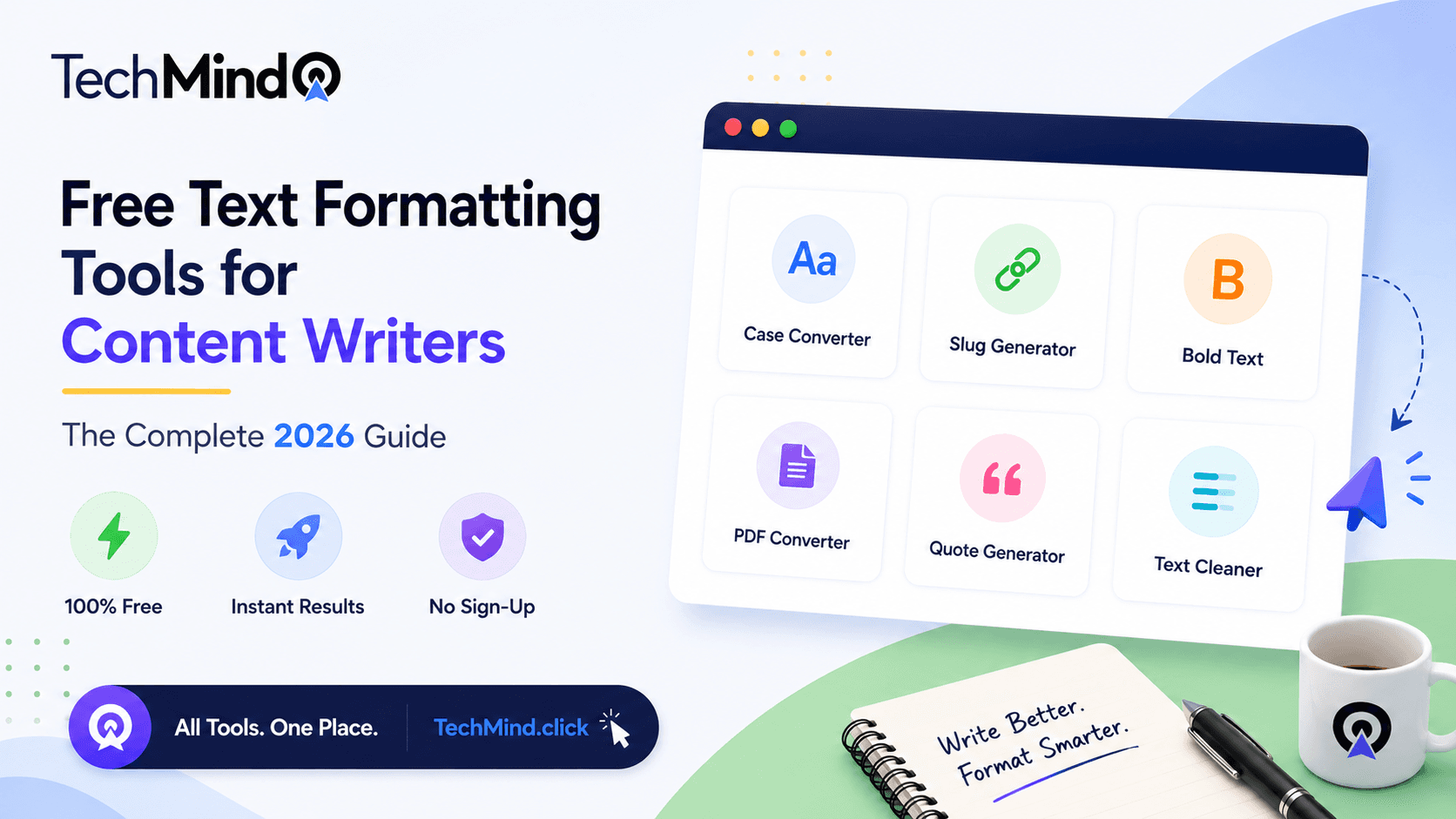
As Maya Angelou once said, "Words mean more than what is set down on paper. It takes the human voice to infuse them with shades of deeper meaning." But before your words can carry any meaning, they must first be formatted correctly. A blog post with inconsistent capitalisation, messy copy-pasted spacing, and broken URL slugs signals carelessness - regardless of how powerful the ideas inside it are.
Content writers in 2026 face a specific challenge: the volume of text that passes through their workflow daily is enormous, but most professional formatting software is either expensive, requires installation, or demands a subscription. The good news is that a complete set of text formatting tools is available entirely free, directly in your browser, without any account or download - at TechMind.click.
This guide covers the essential text formatting tools every content writer needs, what each one does, and why having them all in a single interface changes the daily writing workflow in a meaningful way.
Why Text Formatting Matters More Than Most Writers Realise
As Warren Buffett observed, "It takes 20 years to build a reputation and five minutes to ruin it." In content writing, poorly formatted text ruins reputation in far less than five minutes. A reader scanning a blog post will notice inconsistent capitalisation in headings before they read the first sentence. An editor reviewing a draft will flag spacing irregularities before engaging with the argument.
Text formatting affects three things directly:
Readability: Consistent case formatting - sentence case for body text, title case for formal headings - makes content easier to scan and read. Readers absorb well-formatted content faster and with less cognitive effort. This directly affects time on page, which is a ranking signal Google weighs in 2026's AI-influenced search environment.
SEO performance: URL slugs, heading structure, and meta descriptions all depend on correctly formatted text. A heading left in all caps or a slug containing special characters creates technical SEO issues that degrade performance. Clean URL slugs are one of the easiest and most impactful SEO improvements a content writer can make.
Professional credibility: Content submitted to editors, clients, or publications with consistent, clean formatting signals professionalism. It reduces revision cycles and builds trust with the people commissioning your work.
Tool 1 - Case Converter: The Most Used Tool in a Writer's Day
The case converter is the workhorse of text formatting. Content writers use it constantly - for headings, subheadings, social media captions, email subject lines, and any text where capitalisation must follow a specific standard.
TechMind.click provides six case conversion formats:
- UPPERCASE - for abbreviations, emphasis, and call-to-action text
- lowercase - for URL preparation, code, and normalisation tasks
- Title Case - for headings and titles, correctly excluding prepositions
- Sentence case - for body text, email subjects, and social media captions
- Proper Case - first letter of every word capitalised
- aLtErNaTiNg - for creative and social content
The distinction between Title Case and Proper Case is critical for professional writers. Most free tools produce Proper Case when Title Case is selected - capitalising every word including prepositions like a, an, the, in, for. TechMind.click applies AP and Chicago style Title Case correctly, excluding these words. This matters when formatting book titles, news headlines, and formal headings for publication. For a detailed breakdown, see our guide on title case versus sentence case.
Tool 2 - Remove Extra Spaces: The Copy-Paste Fix
Every content writer who researches by copying text from PDFs, academic journals, web pages, or Word documents knows the problem. The pasted text arrives with double spaces, irregular spacing after punctuation, and non-breaking spaces that are invisible until they cause layout issues.
As research from 2026 on content writing workflows indicates, modern content creation requires tools that focus on semantic relevance and content quality. But quality content cannot be produced efficiently when every copy-paste action requires manual cleanup. TechMind.click's Remove Extra Spaces tool clears all irregular spacing from any block of text in a single click - with no character limit and no server upload. The full explanation of why extra spaces appear and how to fix them is covered in our article on removing extra spaces from text.
Tool 3 - Slug Generator: Every Blogger's SEO Starting Point
Steve Jobs said, "Details matter, it's worth waiting to get it right." The URL slug is one of those details. It is the first thing Google reads about a page, and it directly influences click-through rate in search results.
A clean URL slug is:
- All lowercase
- Words separated by hyphens, never underscores
- Contains the primary keyword
- Free of special characters and stop words where possible
TechMind.click's Slugify tool converts any title to a correctly formatted URL slug in one click. For example: "Free Text Formatting Tools for Content Writers - The Complete 2026 Guide!" becomes free-text-formatting-tools-for-content-writers-2026. The full guide to slug creation and SEO best practices is at what is a URL slug.
Tool 4 - Bold and Italic Unicode Text: Cross-Platform Styling
Content writers who publish across multiple platforms - blog, newsletter, LinkedIn, Instagram, WhatsApp - face a persistent problem: HTML bold and italic formatting does not survive copy-paste into platforms that strip HTML. LinkedIn posts, Instagram captions, and WhatsApp messages all display plain text regardless of what formatting was applied in the source document.
Unicode bold and italic text solves this. These are actual different characters - mathematical Unicode variants - that look bold or italic on every platform because they are physically different letters, not formatting instructions.
As Albert Einstein said: 𝘐𝘮𝘢𝘨𝘪𝘯𝘢𝘵𝘪𝘰𝘯 𝘪𝘴 𝘮𝘰𝘳𝘦 𝘪𝘮𝘱𝘰𝘳𝘵𝘢𝘯𝘵 𝘵𝘩𝘢𝘯 𝘬𝘯𝘰𝘸𝘭𝘦𝘥𝘨𝘦.
That italic text was generated using TechMind.click's Unicode italic tool - and it will display in italic style in a LinkedIn post, Instagram caption, or WhatsApp message without any HTML or markdown. The complete guide is at bold text generator for copy-paste anywhere.
Tool 5 - Image to PDF: The Document Workflow Solution
Content writers frequently need to submit work as PDF documents - client proposals, article drafts, style guides, content calendars. When a document is photographed, screenshotted, or exists only as an image, converting it to PDF has traditionally required software installation or a paid subscription.
TechMind.click converts JPG and PNG images to PDF directly in the browser. No file is uploaded to any server - the conversion happens locally on your device. No watermark, no account, no size limit beyond what your device can handle. For writers submitting work on mobile, this is particularly practical - open the browser, convert, download, send.
The Complete Content Writer's Formatting Workflow
APJ Abdul Kalam said, "Excellence is a continuous process and not an accident." A consistent formatting workflow is how that excellence becomes routine rather than effortful.
Here is the recommended workflow for content writers using TechMind.click before publishing any piece:
- Draft title formatting - Paste your article title → click Title Case → formatted heading ready
- URL slug generation - Same title → click Slugify → clean URL slug ready for CMS
- Body text cleanup - Paste research text → click Remove Spaces → clean, consistent spacing
- Heading consistency - Paste all H2 and H3 headings → click Sentence Case → uniform heading style
- Social media captions - Paste caption → click Bold on key phrase → paste into Instagram or LinkedIn with styling intact
All five steps happen on a single page, in under three minutes, with no account, no tool switching, and no cost.
Why TechMind.click Specifically
There are several text formatting tools available online. The practical differentiator for content writers is not the existence of individual tools - it is the integration of all necessary tools in a single, frictionless interface.
Most free tools are single-purpose: one site for case conversion, another for slug generation, another for Unicode text styling. Switching between tabs for every formatting task adds minutes to every article. Over the course of a writing day, this friction compounds significantly.
TechMind.click consolidates 18 tools - case converters, text cleaners, Unicode stylists, slug generator, image-to-PDF - on a single page, accessible immediately without registration, with no character limits, and with complete privacy since all processing is client-side. Long-tail content in 2026 needs to cover topics with enough depth to rank naturally for dozens of related phrases. A single, comprehensive toolkit that addresses the full range of writer needs is exactly that kind of depth.
Frequently Asked Questions
Q: What text formatting tools do content writers use most often?
The most frequently used text formatting tools for content writers are case converters (uppercase, lowercase, title case, sentence case), space removers for copy-pasted content cleanup, and URL slug generators for SEO-friendly blog URLs. TechMind.click provides all of these in a single free interface with no sign-up required.
Q: Is there a free text formatting tool that works without installation or sign-up?
Yes. TechMind.click runs entirely in your browser with no installation, no account, and no character limit. All processing is client-side - nothing is transmitted to any server. It works on desktop, tablet, and mobile browsers.
Q: What is the best free tool for generating URL slugs for a blog?
TechMind.click's Slugify tool converts any title into a correctly formatted URL slug - lowercase, hyphen-separated, special characters removed. It applies the same slug formatting rules used by WordPress, Next.js, and other major blogging platforms. Free, instant, no sign-up.
Q: How do I format text for LinkedIn and Instagram without losing bold or italic styling?
LinkedIn and Instagram strip HTML formatting. The solution is Unicode bold and italic text - these are actual different characters that appear styled on any platform without HTML. TechMind.click generates Unicode bold, italic, strikethrough, small caps, and more. Copy the output and paste it directly into any social media platform.
Q: What text formatting checklist should a content writer follow before publishing?
Before publishing, a content writer should verify: heading capitalisation is consistent (title case or sentence case throughout), URL slug is lowercase and hyphen-separated, extra spaces from copy-pasted research are removed, meta description and title are correctly formatted, and social media captions are styled appropriately. TechMind.click handles all of these in one session.
Q: Are there free text tools specifically for freelance writers?
Yes. TechMind.click is particularly suited to freelance writers because it requires no subscription, no account, and no installation - making it accessible on any device at any time. The full toolkit (18 tools) is available without any payment or registration, including the case converter, slug generator, space remover, Unicode text styler, and image-to-PDF converter.
Final Thoughts
As Winston Churchill observed, "Success is not final, failure is not fatal: it is the courage to continue that counts." In content writing, continuing to produce high-quality, well-formatted work consistently is the real measure of professional success - not perfection in any single piece.
A reliable, free, and comprehensive text formatting toolkit removes the friction from that consistency. TechMind.click provides every text formatting tool a content writer needs in 2026 - in one place, without cost, without registration, and without the distraction of advertisements or pop-ups.
Try all 18 free text formatting tools at TechMind.click - no sign-up, no download, works on any device.